Fishfinder Image Looks Mirrored? It's a Menu Setting, Not a Mounting Problem
The SI Orientation toggle buried in a fishfinder's sonar menu, not a physical remount, fixes reversed side-imaging on kayaks and small boats.
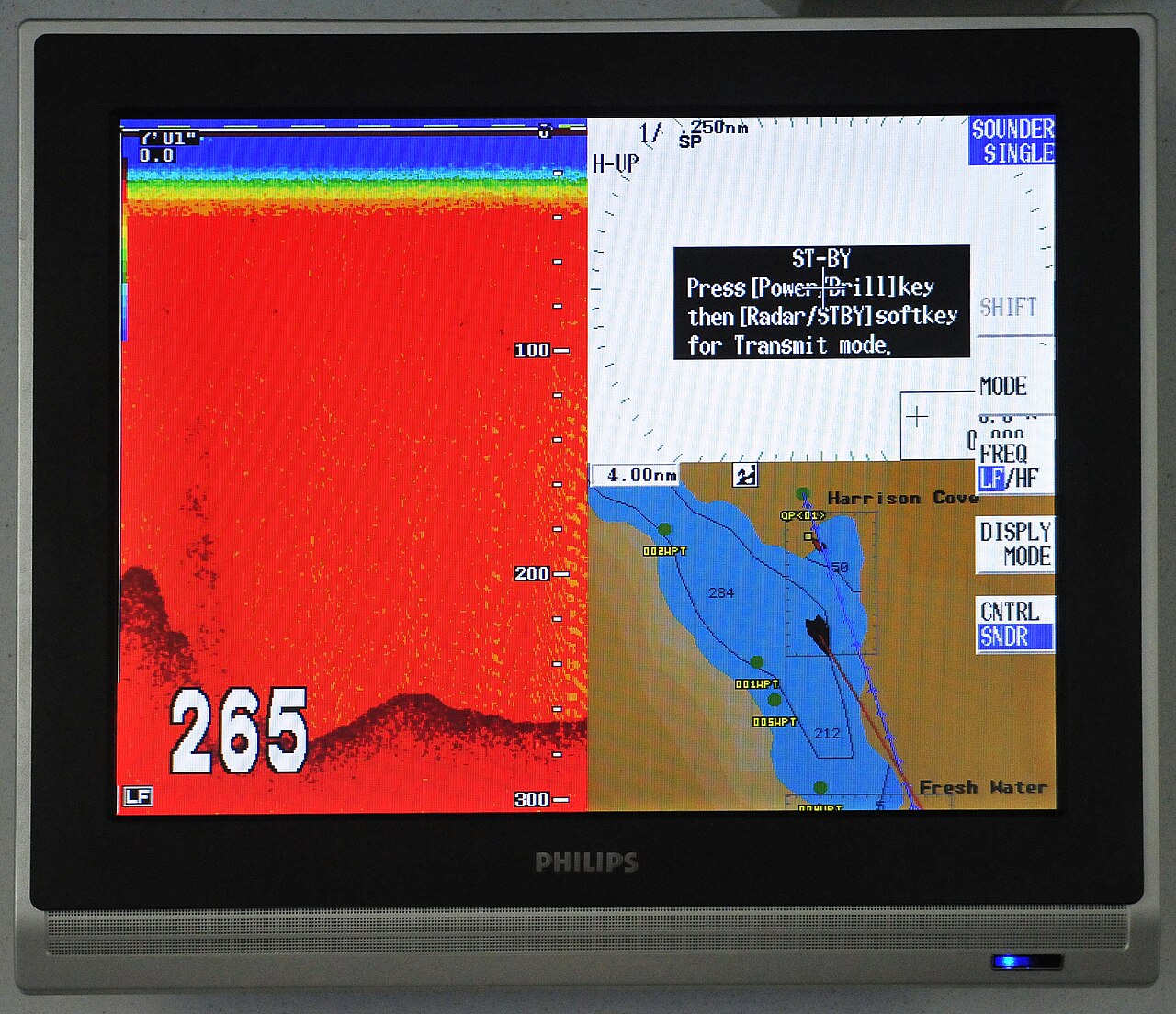
A boat owner posted a careful, detailed question on a marine electronics forum: side imaging, down imaging, and regular sonar all generated from the right side of his screen, but the unit itself was mounted sideways on the right side of the boat, so the image was coming out backwards. He asked, politely, whether the problem was his own misunderstanding or something real.
Ten replies came in. Nobody fixed it. One suggested sitting behind the sounder and picturing a mirror. Another called it an optical illusion. A third joked about wrapping the boat in foil. The thread wound down into jokes, and the actual question never got answered.
There is a real answer, and it has nothing to do with mirrors or where anyone sits. Humminbird’s side-imaging units, HELIX, SOLIX, APEX, ONIX, and ION, all include a dedicated setting called SI Orientation for exactly this situation: a bronze thru-hull transducer pair installed backward, or a transducer mounted at the transom for back-trolling, both of which flip which side reads as port and which reads as starboard. On APEX, SOLIX, ONIX, and ION units it’s under Settings > Sonar > Side Imaging > SI Orientation. On HELIX units it’s under the Sonar Menu tab in Advanced User Mode. Flipping from Normal to Reverse corrects the display. No cable gets touched.
Which side the sonar reports as left or right comes from the transducer’s fixed orientation relative to the boat’s centerline, not from how the display housing sits or rotates. Turning the screen changes nothing about that, which is exactly why every joke about sitting differently or picturing a mirror was solving for the wrong variable. The display was never where the problem lived.
Garmin and Lowrance carry an equivalent setting under their own sonar menus, even if the exact steps differ from Humminbird’s. Kayak and small-boat installs run into this more than factory-hulled boats do, since transducers on these platforms often get mounted on a scupper or a trolling motor shaft in whatever orientation the available space allows, rather than a manufacturer-designed location. Running the unit past a known object on a confirmed side, a marked buoy or a dock piling, and checking it appears correctly before trusting it around structure takes a few minutes during setup.
One caveat worth knowing before hunting for the setting: it doesn’t show up in every mode. Humminbird units left in “Angler Mode,” the simplified interface aimed at first-time owners, hide most of the deeper tweaking options in the system settings, SI Orientation included. Switching out of Angler Mode into the full settings interface is a prerequisite step that’s easy to miss if a menu search comes up empty on a brand-new unit straight out of the box.
Kayak and small-boat rigs run into this specific problem more often than factory-hulled boats for a straightforward reason: a transducer meant to bolt to a hull in one fixed, engineer-specified orientation instead gets mounted wherever a scupper hole, a trolling motor shaft, or an aftermarket arm happens to allow. That freedom to mount almost anywhere is exactly what makes accidental left-right reversal so common on these platforms, since there’s no single “correct” factory position enforcing a consistent orientation the way there is on a boat with a thru-hull transducer installed at the factory.
Ten replies in that original thread went nowhere. Settings > Sonar > SI Orientation would have ended it in one — provided the unit wasn’t still sitting in Angler Mode hiding the option in the first place.
Frequently asked questions
Why does side imaging show up mirrored, with left and right swapped?
It's not the display or the mount. Which side reads as port and which as starboard comes from the transducer's fixed orientation relative to the boat's centerline — a backward-installed bronze thru-hull pair, or a transom mount used for back-trolling, flips that reading. Turning the screen or repositioning the unit doesn't change the transducer's orientation, so neither one fixes anything.
Where is the SI Orientation setting on a Humminbird unit?
On APEX, SOLIX, ONIX, and ION it's under Settings > Sonar > Side Imaging > SI Orientation. On HELIX units it's in the Sonar Menu tab under Advanced User Mode. Flipping the value from Normal to Reverse corrects the display without touching any cables.
Do Garmin and Lowrance fishfinders have the same fix?
Yes. Both carry an equivalent orientation setting in their own sonar menus, though the exact menu path differs from Humminbird's steps above. Look for an orientation or flip toggle in the sonar settings rather than assuming a remount is needed.